
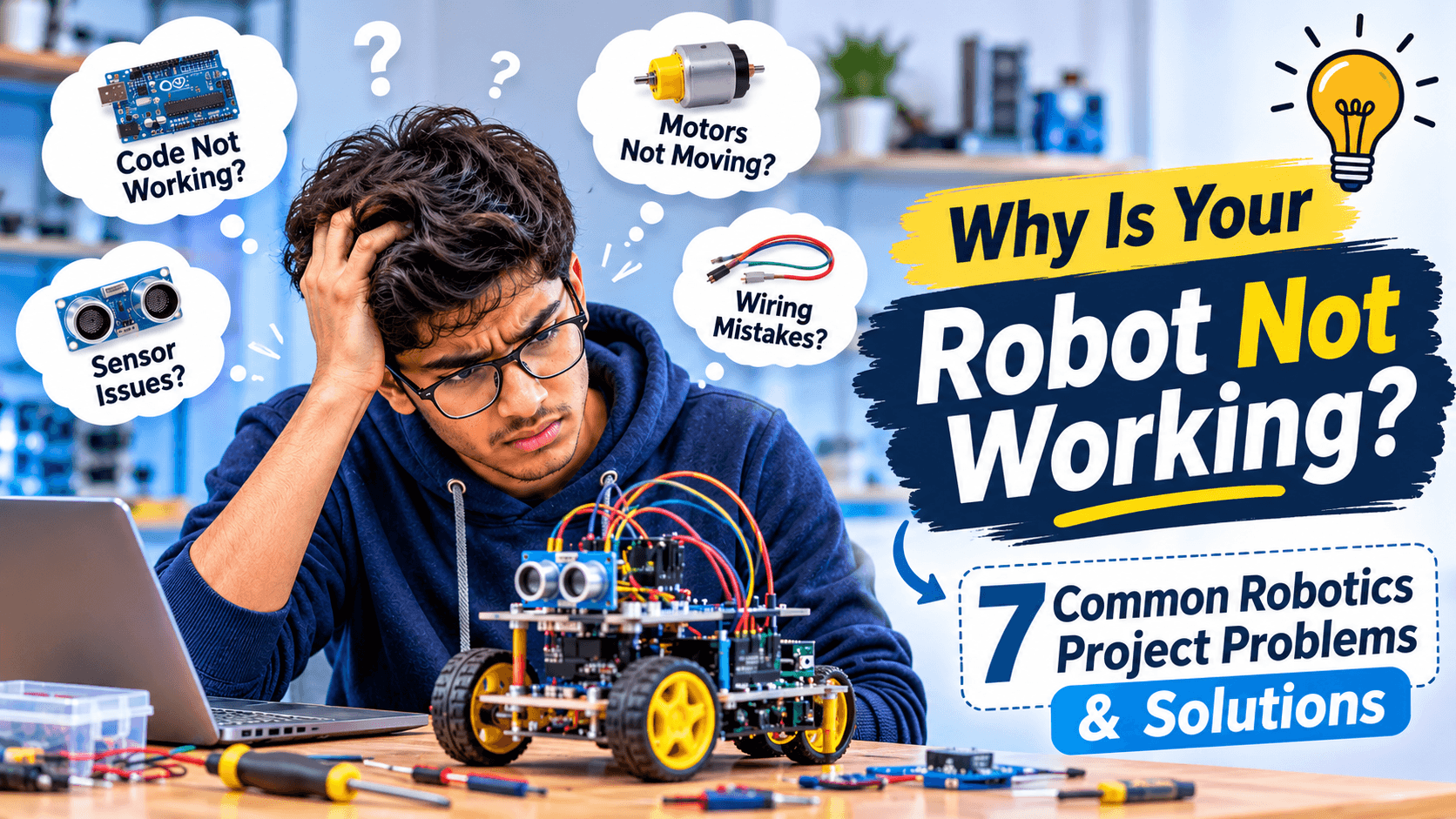
Building a robotics project is exciting, especially when students imagine creating a line-following robot, an obstacle-avoiding car or an automated system. However, the experience can become frustrating when the robot does not respond, sensors provide incorrect readings or the program behaves differently from what was expected.
Many students learn the basic concepts of electronics, programming and robotics but struggle when they try to combine everything into a working project. Understanding how individual components work is one thing; making them communicate and function together is another.
This is one of the biggest challenges in practical robotics learning. Students need more than theoretical knowledge. They need experimentation, troubleshooting skills and an understanding of how different technologies work together.
Let's explore seven common problems students face while building robotics projects and how they can solve them.
1. Understanding Robotics Theory but Struggling with Practical Implementation
One common challenge is the gap between understanding a concept and applying it in a real project.
A student may know what a sensor does, understand the purpose of a motor driver and have basic programming knowledge. However, when asked to build a robot using these components, they may not know how to connect everything or decide which component should perform a particular task.
For example, building an obstacle-avoiding robot requires students to understand how an ultrasonic sensor detects distance, how a microcontroller processes the readings and how a motor driver controls the movement of the motors.
All these components must work together to achieve the desired result.
How to solve this problem:
Start with small experiments instead of immediately building a complete robot.
Understand the working principle of each electronic component.
Test sensors, motors and controllers individually.
Gradually combine different components into one system.
Practice explaining how each part contributes to the project.
Practical experimentation helps students convert theoretical concepts into technical understanding.
2. The Robot Is Not Moving Even After Connecting the Motors
A robot that refuses to move is one of the most frustrating situations for beginners.
Students may connect DC motors to a motor driver, upload the program and expect the robot to start moving. Instead, the motors remain inactive or behave unpredictably.
This problem can occur due to several reasons:
Incorrect motor connections.
Insufficient power supply.
Incorrect motor driver wiring.
Missing common ground between the controller and motor driver.
Incorrect enable-pin configuration.
Programming errors in motor control instructions.
For example, when using an L298N motor driver, connecting the motors correctly is not enough. Students must also understand the power supply, enable pins, input signals and ground connections.
How to solve this problem:
Check whether the motor receives the required voltage.
Verify the motor driver's input and output connections.
Check the enable pins and jumper configuration.
Ensure that the controller and motor driver share a common ground.
Test each motor separately before controlling both motors together.
Run a simple motor-control program before integrating the complete robot.
Understanding the role of a motor driver can prevent several common robotics project failures.
3. Sensors Give Incorrect or Unexpected Readings
Sensors help robots interact with their surroundings. They can detect obstacles, measure distance, identify objects, follow lines and respond to environmental changes.
However, beginners often struggle when sensor readings are inconsistent or different from what they expect.
Consider an obstacle-avoiding robot using an ultrasonic sensor. The robot should detect an object and change direction when it comes within a certain distance. But sometimes the robot may turn too early, fail to detect an obstacle or continue moving forward.
Possible reasons include:
Incorrect sensor wiring.
Incorrect trigger and echo pin connections.
Improper sensor positioning.
Incorrect distance calculations.
Environmental interference.
Incorrect threshold values in the program.
How to solve this problem:
Test the sensor independently before connecting it to the robot.
Display sensor readings through the serial monitor.
Check the sensor's operating voltage and pin configuration.
Verify the calculations used to convert readings into distance.
Test the sensor under different conditions.
Adjust the detection threshold based on actual observations.
Students should learn that sensor data needs to be tested and interpreted correctly before it can control a robot.
4. Programming Errors Make the Robotics Project Fail
Programming is an essential part of robotics. Even when the hardware connections are correct, a small mistake in the code can prevent the entire project from functioning.
Beginners commonly face issues such as:
Incorrect pin assignments.
Missing brackets or semicolons.
Incorrect variable declarations.
Wrong logic conditions.
Incorrect library installation.
Problems with loops and timing.
Unexpected sensor values.
For example, in a line-following robot, the sensors may correctly identify the black and white surfaces, but the robot may turn in the wrong direction because the conditions in the program are incorrect.
How to solve this problem:
Read error messages carefully instead of randomly changing the code.
Check pin numbers and component connections.
Test individual functions separately.
Use serial monitoring to understand what the program is receiving.
Add simple debugging messages to identify where the logic fails.
Make one change at a time and test the result.
Students should focus on understanding the logic behind the program instead of simply copying code from online tutorials.
5. Individual Components Work, but the Complete Robot Does Not
This is a particularly important challenge in robotics.
A student may successfully test an ultrasonic sensor, operate a DC motor and upload a program to an Arduino board. However, after combining everything, the complete robot may stop working correctly.
Why does this happen?
Because integrating multiple components introduces additional challenges.
For example:
The power supply may not support the combined load.
Different components may require different operating voltages.
The programming logic may not handle all sensor conditions.
Loose connections may interrupt communication.
Motor electrical noise may affect sensor readings.
How to solve this problem:
Use a step-by-step integration approach.
First, test the microcontroller.
Next, connect and test the sensor.
Then, test the motor driver and motors.
After that, integrate the sensor readings with the motor-control logic.
Finally, test the complete robot under real operating conditions.
This approach makes it easier to identify which subsystem is causing the problem.
6. Students Struggle to Select the Right Robotics Project
Choosing a project can be just as challenging as building one.
Students often select projects because they look impressive in videos or because someone else has already built them. However, they may not have the technical knowledge or components required to complete the project independently.
A beginner trying to build an advanced robotic arm or autonomous navigation system without understanding basic electronics and programming may struggle throughout the process.
How to solve this problem:
Choose projects according to your current knowledge and gradually increase their complexity.
Here are some examples:
Beginner-level projects:
LED blinking using Arduino.
Automatic street light.
Simple obstacle detection system.
Basic sensor-controlled buzzer.
Intermediate-level projects:
Line-following robot.
Obstacle-avoiding robot.
Bluetooth-controlled robot.
Automatic water-level monitoring system.
Advanced-level projects:
Robotic arm with multiple movements.
IoT-based monitoring and automation system.
Autonomous mobile robot.
Computer vision-based robotic system.
The objective should not simply be to complete a project. Students should understand its working principle, components, programming and practical applications.
7. Students Depend Too Much on Tutorials and Ready-Made Code
Online tutorials are useful learning resources. Students can find circuit diagrams, programming examples and complete project demonstrations on various platforms.
However, depending entirely on tutorials can create another problem.
A student may successfully reproduce a project by following instructions but struggle when asked to modify it, troubleshoot an error or explain how it works.
For example, a student may build a line-following robot using an online tutorial but fail to understand why changing a sensor threshold affects the robot's movement.
How to solve this problem:
Understand the purpose of every component before using it.
Write simple programs independently.
Modify existing projects and observe the results.
Experiment with different sensor values.
Try troubleshooting without immediately searching for the complete solution.
Explain the working principle of your project in your own words.
The real value of robotics education comes from understanding, experimenting and solving problems independently.
What Skills Should Students Develop to Become Better at Robotics?
Solving robotics project problems requires a combination of technical and practical skills.
Here are some important areas students should focus on:
1. Basic Electronics
Understand voltage, current, resistance, circuits, power supplies and electronic components. These fundamentals help students identify wiring and hardware-related problems.
2. Programming and Logical Thinking
Learn programming concepts such as variables, conditions, loops, functions and debugging. These concepts help control robotic systems and solve programming errors.
3. Sensors and Actuators
Understand how sensors collect information and how actuators perform physical actions. Students should learn how different sensors and motors work in practical applications.
4. Microcontrollers and Embedded Systems
Learn how boards such as Arduino and other microcontrollers interact with electronic components. Understanding input, output and communication helps students develop more complex projects.
5. Testing and Troubleshooting
Develop the habit of testing individual components, identifying errors and improving the system step by step.
These skills provide a strong foundation for robotics, IoT, embedded systems and automation.
How Can Students Improve Their Practical Robotics Skills?
Improving robotics skills requires consistent practice and a structured learning approach.
Students can follow these steps:
Start with fundamentals: Learn basic electronics and programming before attempting complex projects.
Build small projects: Begin with simple circuits, sensors and motor-control experiments.
Understand every connection: Learn why each component is used and how it contributes to the project.
Experiment independently: Modify existing projects instead of simply reproducing tutorials.
Learn debugging: Develop the ability to identify and solve hardware and software problems.
Work on complete projects: Combine electronics, coding and mechanical components to create functional systems.
Document your work: Maintain notes about circuit connections, program logic, errors and improvements.
A practical learning environment where students can experiment with actual components and receive technical guidance can make this process easier.
Frequently Asked Questions About Robotics Projects
1. Why do students find robotics difficult?
Students may find robotics challenging because it combines multiple subjects, including electronics, programming, mechanical systems, sensors and problem-solving. Difficulty often increases when they move from theoretical concepts to practical implementation.
2. What are the common problems faced while building robotics projects?
Common problems include incorrect wiring, insufficient power supply, programming errors, inaccurate sensor readings, motor-control issues and difficulty integrating different components.
3. Which programming language is best for beginner robotics projects?
Arduino programming, based on C/C++, is a common starting point for microcontroller-based robotics projects. Python is also useful for robotics applications involving automation, data processing and computer vision.
4. Why is my Arduino robot not moving?
Possible reasons include incorrect motor wiring, insufficient power, incorrect motor driver connections, missing common ground or programming errors. Check each connection and test the motors independently.
5. How can engineering students improve their robotics skills?
Engineering students can improve by learning electronics, programming, microcontrollers, sensors and embedded systems while regularly working on practical projects. Testing and troubleshooting are equally important.
6. Can school students learn robotics?
Yes. School students can start with basic electronics, simple circuits, beginner-friendly coding and small robotics projects. Learning should progress according to their age, experience and understanding.
7. Is practical experience important in robotics?
Yes. Practical experience helps students understand how electronic components interact, how programming controls hardware and how to troubleshoot real-world problems. It also develops independent problem-solving skills.
Final Thoughts
Robotics is not just about connecting electronic components and uploading a program. It is about understanding how different systems work together, identifying problems and finding solutions through experimentation.
Students who struggle with their first robotics projects should not consider mistakes as failures. Incorrect sensor readings, programming errors and motor-control problems are part of the learning process.
The important thing is to understand why something is not working and learn how to fix it.
With a strong foundation in electronics, programming and practical experimentation, students can gradually move from simple circuits to more advanced robotics and automation projects.
At GenixoTech, we believe practical learning is an important part of developing technical skills. Through learning experiences in robotics, coding, IoT and embedded systems, students can explore technology, experiment with real components and develop the confidence to build their own projects.
Learn. Build. Innovate.