
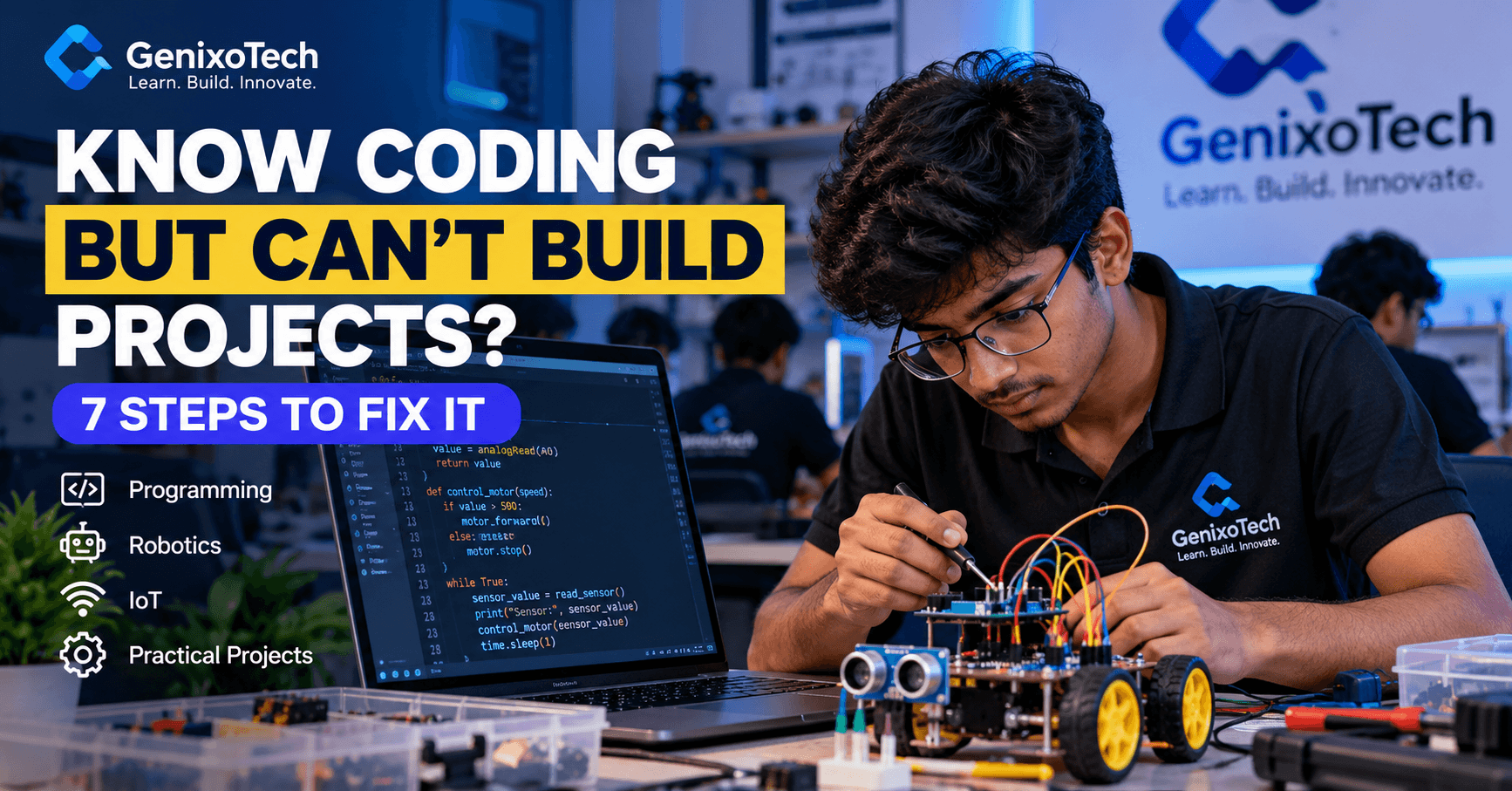
You completed a programming course. You understand variables, loops, functions and conditional statements. You can follow tutorials, write basic programs and solve textbook questions.
But then comes a question that makes many students uncomfortable:
"Can you build a complete project without copying someone else's code?"
Suddenly, everything feels complicated.
Where do you start? Which programming language should you choose? How do you connect different parts of your code? And what happens when your project stops working?
If this sounds familiar, you're not alone.
The real challenge isn't always learning more programming languages. It's developing the ability to turn programming knowledge into working solutions.
In this article, we'll explore why beginners struggle with coding projects, seven practical ways to improve, real project examples and a 30-day action plan you can start today.
Why Do Students Know Coding but Struggle to Build Projects?
Imagine two students learning Python.
Student A completes 50 tutorials and memorises programming syntax.
Student B learns the fundamentals, builds three small applications, makes mistakes and spends time debugging.
Both students may understand Python concepts, but Student B has also practised turning requirements into working programs.
This illustrates an important difference:
Knowing how code works is not the same as knowing how to build something with it.
Real-world project development requires several connected skills:
Problem identification
Logical thinking
Planning and system design
Programming
Debugging
Testing
Documentation
These skills develop through practice rather than memorisation alone.
Here are seven ways to close that gap.
Step 1: Strengthen Your Programming Logic Before Learning Another Language
One common beginner mistake is jumping from Python to C, then Java, then JavaScript without becoming comfortable solving problems in any one language.
Learning additional languages can be useful, but switching languages does not automatically improve problem-solving.
Start by strengthening your logic.
Example: Build a Student Result Calculator
Suppose you want to create a program that determines whether a student has passed an exam.
Before writing code, identify the inputs, rules and outputs.
Input: Student marks
Rule: Marks of 40 or above mean Pass.
Output: Pass or Fail
A basic Python example:
marks = int(input("Enter your marks: "))

if marks >= 40:
    print("Pass")
else:
    print("Fail")
Now challenge yourself.
Can you modify the program to calculate grades? Can you process marks for five students? Can you calculate the class average?
Each modification requires you to think beyond the original example.
Practical takeaway: Don't just complete a program. Change it, experiment with it and understand why it behaves the way it does.
Step 2: Start With Projects You Can Actually Finish
Many beginners become excited about advanced projects before they have enough experience to complete smaller ones.
They attempt AI assistants, complex websites or advanced robots, then become discouraged when they encounter problems.
Instead, follow a gradual learning path.
Beginner Coding Projects
Start with:
Calculator
Number guessing game
Student marks calculator
To-do list application
Quiz application
These help you practise basic programming concepts and functions.
Intermediate Coding Projects
Once you can independently complete basic projects, try:
Student attendance management system
Expense tracker with file storage
Library management system
Inventory management application
Database-connected student records
Advanced Projects
As your skills develop, explore:
IoT-based temperature monitoring
Smart home automation prototype
Sensor-based robotic vehicle
Web application with user authentication
Embedded system for automated monitoring
The goal is not to build the most complicated project first.
The goal is to complete a project, understand every major component and explain how it works.
Step 3: Break Large Projects Into Smaller Problems
Let's say your college asks you to build a library management system.
Thinking about the complete application can feel overwhelming.
Instead, divide it into smaller tasks.
Example: Library Management System
Module 1: Add Books
Create a way to enter book names, authors and identification numbers.
Module 2: Display Books
Show the books stored in the system.
Module 3: Search Books
Allow users to find books by title or identification number.
Module 4: Issue Books
Record which student has borrowed a book.
Module 5: Return Books
Update the availability of returned books.
Module 6: Save Records
Store information using files or a database.
Now you have six manageable tasks instead of one complicated problem.
Start with the first module. Test it. Then move to the next.
This technique is called problem decomposition.
It is widely useful in programming, robotics, IoT, embedded systems and software development.
Step 4: Learn Debugging Instead of Copying Error Solutions
Have you ever experienced this?
Your code looks correct, but the program doesn't run.
You search the error message online, copy a solution and run the program again.
Sometimes the problem disappears. But you still don't understand what went wrong.
That is a missed learning opportunity.
Debugging helps you understand how programs behave.
A Simple Debugging Method
First: Read the error message carefully.
Second: Identify the statement or operation causing the problem.
Third: Check what your program expected to happen.
Fourth: Change one thing at a time.
Fifth: Test the program again using different inputs.
Example: Python IndexError
numbers = [10, 20, 30]
print(numbers[3])
This code raises an IndexError.
Why?
Python list indexing begins at zero.
The list positions are:
Position 0 → 10
Position 1 → 20
Position 2 → 30
There is no position 3 in this list.
The corrected code is:
print(numbers[2])Output:
30Understanding why the error occurred prepares you to solve similar problems independently.
For robotics and embedded systems, debugging can also involve checking circuit connections, sensor readings, communication interfaces and power supplies.
Practical takeaway: Errors are not proof that you cannot code. They are information you can use to improve your solution.
Step 5: Build Projects That Solve Real Problems
One of the most effective ways to improve programming skills is to work on problems you can observe in everyday life.
Instead of asking, "Which project should I download?", ask:
"What problem around me could technology help solve?"
Here are three examples.
Project Idea 1: Automatic Room Lighting
Problem: Lights are often left on unnecessarily.
Solution: Build a prototype that uses a light sensor and microcontroller to switch an LED according to ambient brightness.
What you'll learn:
Basic electronics
Sensors
Conditional logic
Arduino programming
Circuit testing
Project Idea 2: Personal Expense Tracker
Problem: Students struggle to keep track of their daily spending.
Solution: Build a Python application that records expenses and calculates totals.
What you'll learn:
Variables and functions
Lists or dictionaries
File handling
Input validation
Data processing
Project Idea 3: IoT Temperature Monitoring
Problem: Temperature information needs to be monitored from another location.
Solution: Build a prototype using a temperature sensor, compatible microcontroller and connected dashboard.
What you'll learn:
Sensor interfacing
Embedded programming
IoT communication
Data visualisation
System testing
Each project begins with a real requirement.
That's an important habit to develop: identify the problem before selecting the technology.
Step 6: Use YouTube and AI as Learning Tools, Not Project Shortcuts
Video tutorials, online documentation and AI coding assistants have made programming information easier to access.
But there is a difference between learning with these tools and depending on them to complete every task.
Suppose you follow a tutorial that teaches you how to build a calculator.
Instead of immediately moving to the next video, close the tutorial and rebuild the calculator independently.
Then improve it.
Add:
Input validation
Division-by-zero handling
Calculation history
A menu for repeated calculations
This is the Learn–Build–Modify Method.
How to Use AI More Effectively While Learning Coding
Instead of asking:
"Write the entire project for me."
Try asking:
"Explain why this code is producing an error."
"Give me a hint to solve this problem."
"Review my logic without writing the solution."
"What test cases should I try?"
"Explain how this function works."
AI can assist your learning, but you should still understand, verify and test the code you use.
The objective is to become a more independent problem-solver.
Step 7: Build a Portfolio That Proves What You Can Do
Completing a project is an achievement.
Being able to explain the project is another important skill.
For every project you build, document these details:
Project Name: What did you create?
Problem: Why was the project needed?
Technology: Which programming language, tools or hardware did you use?
Working Process: How does the system operate?
Challenges: What problems did you encounter?
Solutions: How did you resolve those problems?
Improvements: What would you add in the next version?
For software applications, you can document appropriate projects on GitHub.
For hardware projects, add circuit diagrams, code, photographs and demonstration videos.
You do not need a large number of projects to begin building a portfolio.
Start with three projects you can confidently demonstrate and explain.
This can give you useful material to discuss during technical interviews, internships and academic evaluations.
A 30-Day Coding Project Roadmap for Beginners
Not sure where to begin?
Follow this sample 30-day plan.
Days 1–5: Strengthen the Fundamentals
Revise variables, loops, conditions, functions and basic data structures.
Solve short programming exercises without immediately searching for solutions.
Days 6–10: Practise Logical Thinking
Work on problems involving calculations, pattern recognition, conditions and data manipulation.
Write down your logic before coding.
Days 11–15: Build Your First Independent Project
Choose a manageable project, such as a calculator, quiz or expense tracker.
Complete its basic features.
Days 16–20: Improve and Debug
Add features to your first project.
Test different inputs, identify errors and improve the program's structure.
Days 21–25: Build a Second Project
Choose a project with slightly greater complexity.
Try to work with less tutorial support.
Days 26–30: Document and Demonstrate
Prepare clear project documentation.
Explain how the project works, what problems you solved and what you learned.
This roadmap is a starting point, not a promise that everyone will become an expert in 30 days.
Progress depends on your starting knowledge, practice time and project complexity.
How Can Students in Indore Improve Their Practical Coding Skills?
Students searching for programming or robotics training in Indore should look beyond course names alone.
Before joining a programme, ask important questions:
Will I write and test code independently?
Will I work on real projects?
Will I learn to identify and fix errors?
Are practical assignments included?
Can I understand how the concepts apply to real systems?
Will I be able to explain what I build?
Practical programming education should help students connect classroom concepts with applications.
Explore Practical Technology Learning at GenixoTech
GenixoTech offers technology education in areas such as:
Python programming
C and C++ programming
Robotics and Arduino
Internet of Things (IoT)
Embedded systems
Electronics and sensor interfacing
Project-based learning
Students interested in developing stronger technical skills can explore suitable learning programmes based on their current knowledge, interests and goals.
The aim is to move beyond memorising instructions toward understanding and applying technology.
Frequently Asked Questions (FAQs)
1. Why do I know coding but struggle to build projects?
Knowing programming syntax is different from planning and developing a complete application. Practise breaking problems into smaller tasks, building simple projects and debugging your own code.
2. How can I improve my coding skills as a beginner?
Start with programming fundamentals, solve small problems regularly, build practical projects, review errors and gradually attempt more complex applications.
3. Which programming language should beginners learn first?
Python is often a beginner-friendly choice because of its readable syntax. C and C++ are useful for understanding foundational programming concepts and many embedded applications. Choose according to your learning goals.
4. Can I learn coding projects without joining an institute?
Yes. Students can learn through documentation, online resources and independent practice. Guided training may help learners who want structured assignments, access to hardware or support with technical challenges.
5. How many projects should I build for an internship?
There is no fixed requirement. A few relevant, well-documented projects that you can explain clearly may be more useful than many copied projects.
6. Is programming required for robotics and IoT?
Programming plays an important role in many robotics and IoT systems. It helps devices process sensor inputs, make decisions, communicate and perform actions.
7. Where can I explore practical coding training in Indore?
Students can explore GenixoTech's programming, robotics, IoT and embedded systems training programmes in Indore. Review course content, prerequisites and hands-on learning opportunities before choosing a programme.
Final Thoughts: Stop Collecting Tutorials. Start Building.
You don't become a capable programmer simply by completing tutorials.
You improve by practising, experimenting, solving problems and learning from mistakes.
Start with one small project.
Understand the problem.
Plan the solution.
Write the code.
Find the errors.
Improve the result.
Then build something better.
Don't just learn what code does. Learn what you can do with code.
At GenixoTech, we encourage learners to connect technical knowledge with practical applications.
Ready to turn coding knowledge into real projects?
Explore GenixoTech's programming, robotics, IoT and embedded systems learning opportunities in Indore.
GenixoTech — Learn. Build. Innovate.